
 HaBeer
A Backup Never Restored Isn't a Backup. It's Hope. 💾
"Backup completed successfully" is a report from a tool, not a fact about the world. Twenty minutes a quarter is all that separates the two.

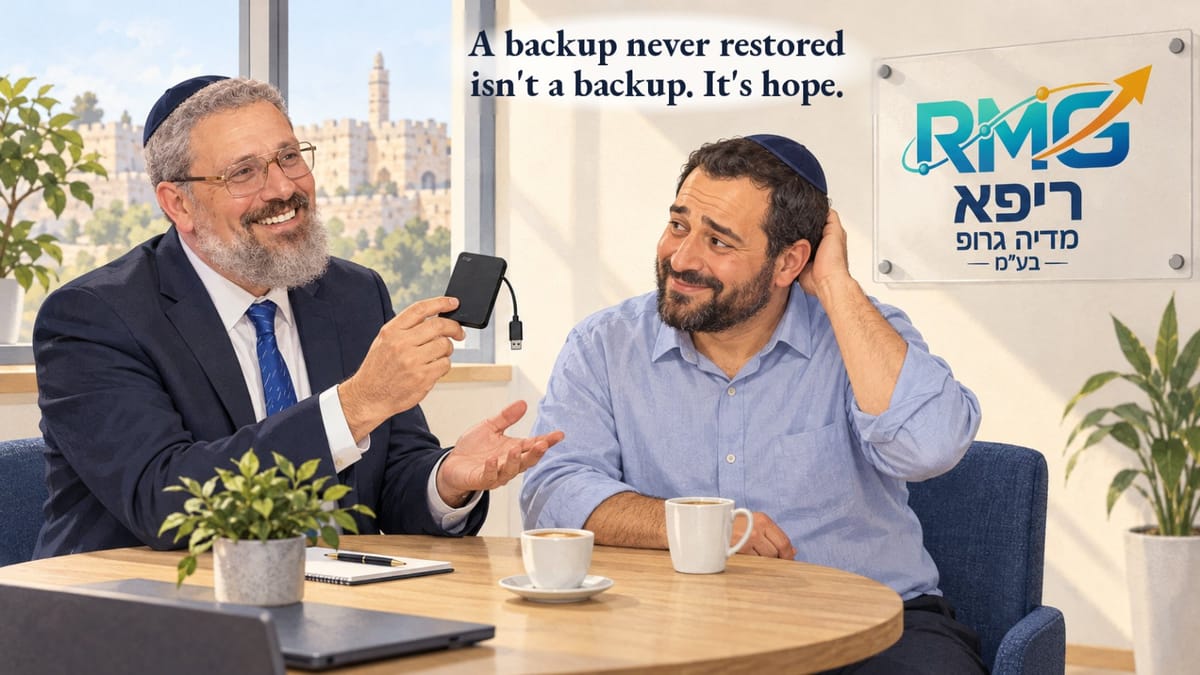

Almost every business owner I ask "Do you have a backup?" says "Yes" without blinking.
When I ask "When was the last time you restored a file from it and actually opened it?", there's silence.
And that silence is the whole story.
📨 The green email

Picture a small office with a nightly backup. It runs every night, and every morning a short email arrives: "Backup completed successfully." It keeps arriving for months, even years. Everyone sees the green email, nods, and moves on.
Then one morning the main computer won't start. No drama, just hardware that got old. "No problem, we have a backup. We'll be back to work in two hours."
They're not back to work in two hours.
Because it turns out that a few months earlier, someone moved a shared folder to a new location. The backup job kept backing up the old location, which was now empty, and every night it reported, quite correctly from its point of view, that the job had completed successfully. It had successfully backed up an empty folder.
This isn't a made-up scenario. It's one of the most common failures there is, and it happens precisely to the businesses that are sure they're covered.
💡 What we learn from this
"Successful" is the tool's report, not a fact about the world. The tool answered the question "Did I run without errors?" Nobody asked it the question that actually matters: "Is what I backed up what the business will need on a bad day?"
The only test that counts is a restore. Not "there are files in the backup folder," and not "the size looks about right." You take a real file, restore it to a different location, and open it. If you can't open it, you don't have a backup.
A system that never complains should make you more suspicious, not less.
A green email that arrives every night lulls you to sleep. After a month you stop reading it, and after a year you stop seeing it.
🪞 Where the real mistake is
The mistake isn't technical. The process did exactly what it was set up to do. The mistake is that the green email became a substitute for checking. People say "we have a backup" when all they really know is that "a process ran." Those are two completely different sentences.
And the same goes for every automation in the business: a report that was sent, a reminder that went out, an AI agent that reported "done." The report tells you what the tool did. Only checking the result tells you what actually happened.
🔁 What I recommend to my clients

A regular restore drill. Once a quarter, pick a random file from a folder people actually work in, restore it, open it, and write down the date and the result. It takes twenty minutes, and it's the only thing that turns hope into a backup.
✅ Before you close this tab
- When was the last time someone in your business restored a file from the backup and opened it?"Never" or "not sure" means hope, not a backup.
- This week, pick one file you can't afford to lose.A contract, a price quote, your client list.
- Restore it to a different location and open it.It opens? Great. It doesn't? You found out on a good day.
- Set a reminder for three months from now.And write down how it went.
Not sure where to start?
I'm Yaniv. I help business owners build operations and automation they can rely on: not just ones that run, but ones that actually work on a bad day.
Book a consultation with Yaniv 💬Or visit my digital business card